Get more out of your AI assistant.
Cockpit keeps your projects in order, brings its questions to your phone and tells you what got done.
Works withClaude CodeAvailableCodexComing soon

Cockpit keeps your projects in order, brings its questions to your phone and tells you what got done.
Works withClaude CodeAvailableCodexComing soon
01 Projects
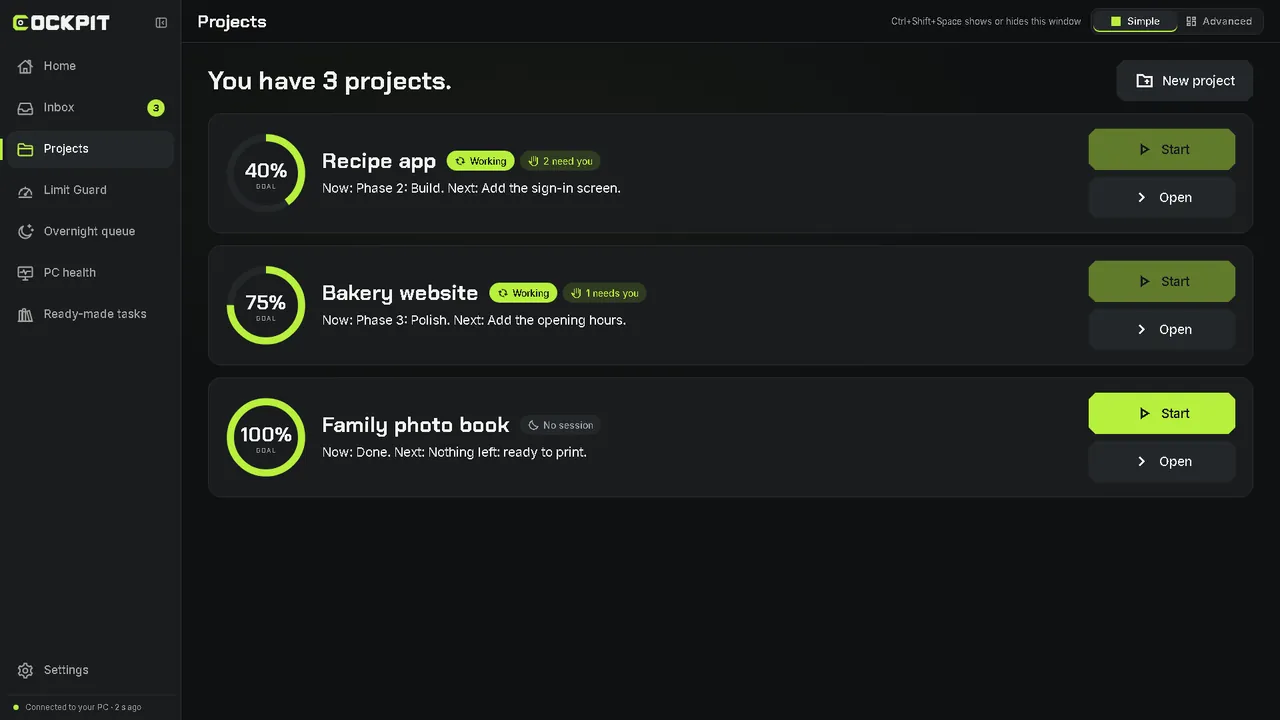
See each project's progress, its next step and when it last ran. Start work on any of them, even from your phone.
02 Answer
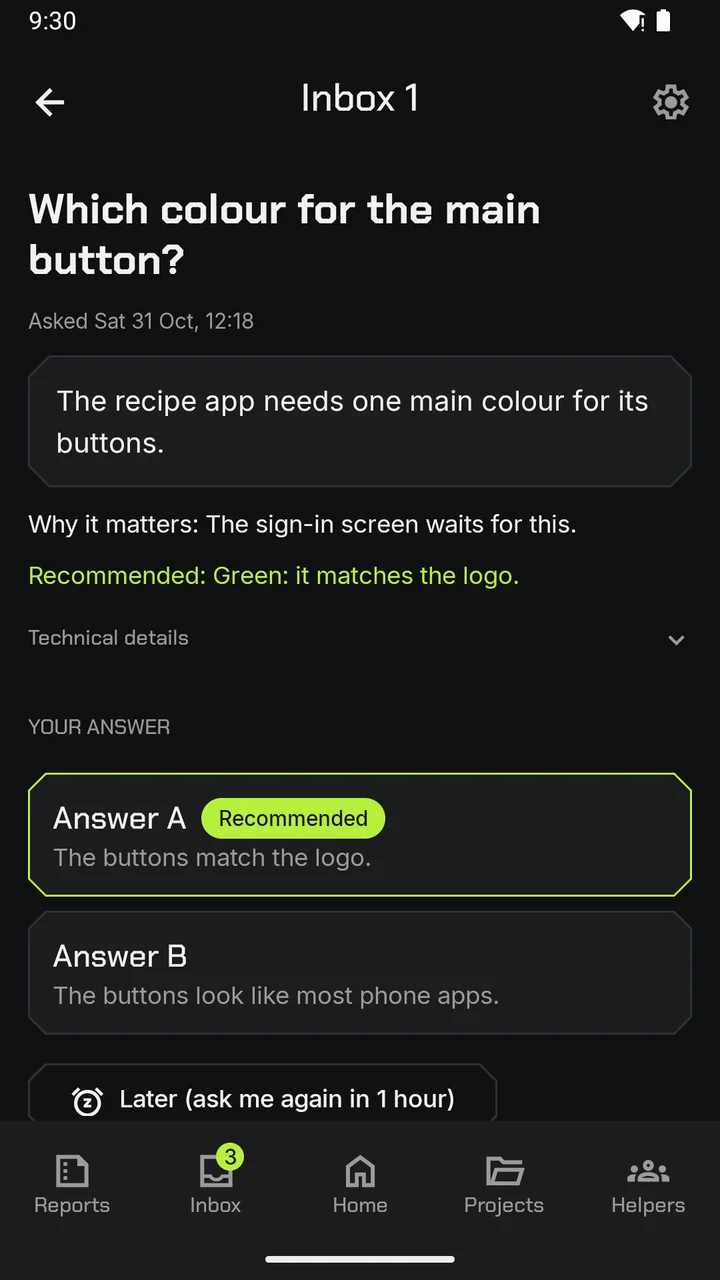
When your AI assistant needs you, the question comes to your phone. One tap, and the work carries on.
 Recipe appDemo
The sign-in screen waits for this.
Try it: pick an answer. This demo sends nothing.
That's it. In the app, your answer goes to your PC and the work carries on.
03 Overnight queue
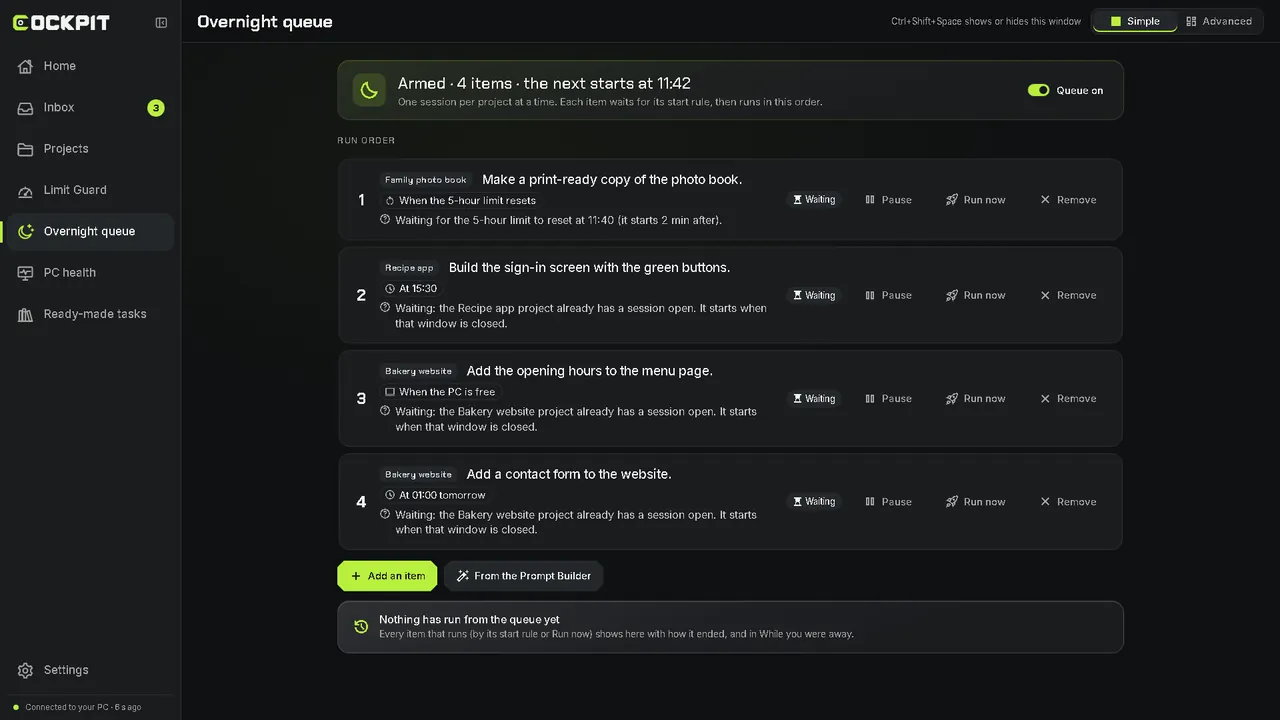
Line up work before you sleep. Each item starts at a set time, when your limit resets, or when the PC is free.
04 Limit Guard
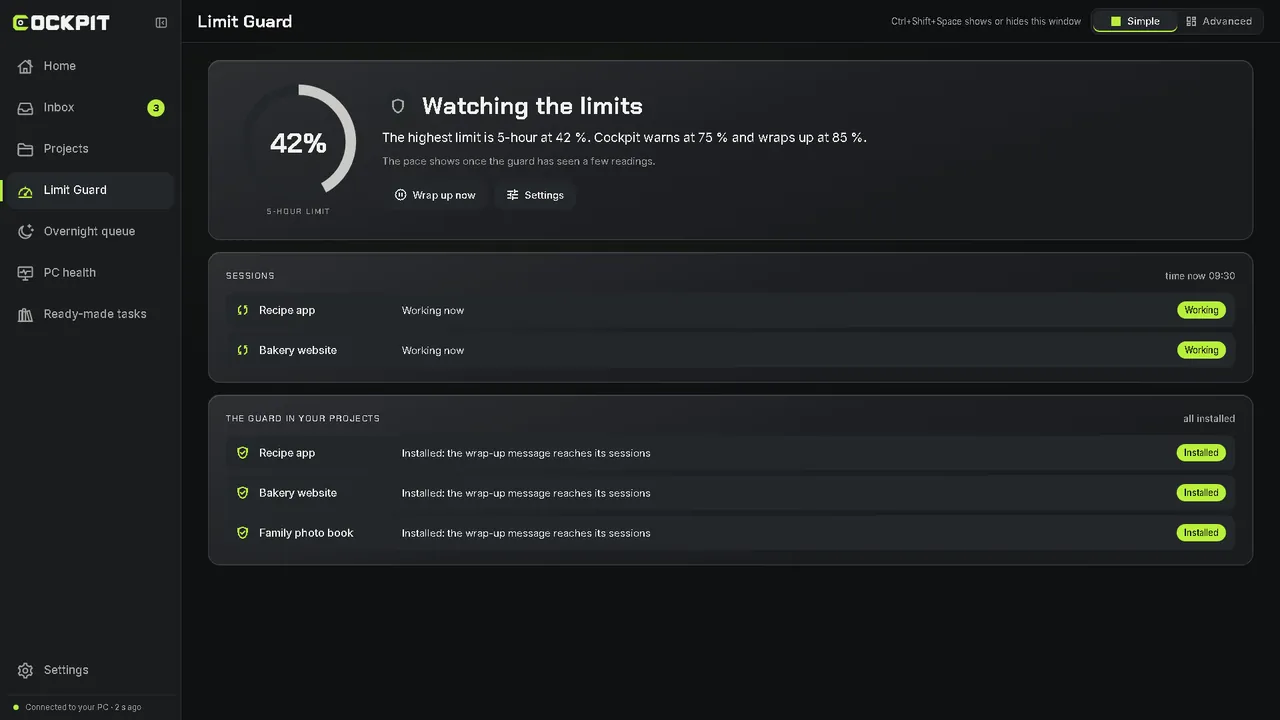
Cockpit watches your 5-hour and weekly limits. Near a limit, each session finishes its step first.
05 Reports
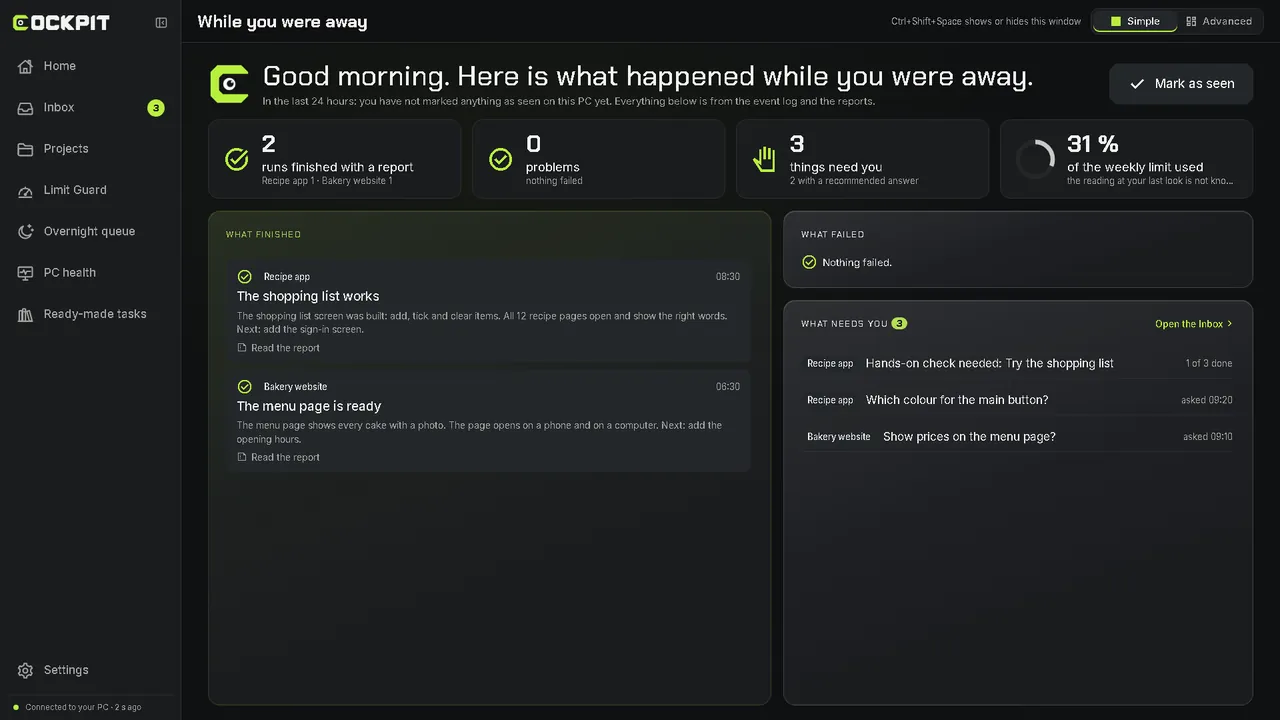
One page shows what finished while you were away, what failed and what needs you. Every run ends with a short report in plain words.
06 Wake and Focus
And while you game, Focus mode holds heavy work until you are done.
Nothing turns your PC on or off by itself. Every power action starts with you.
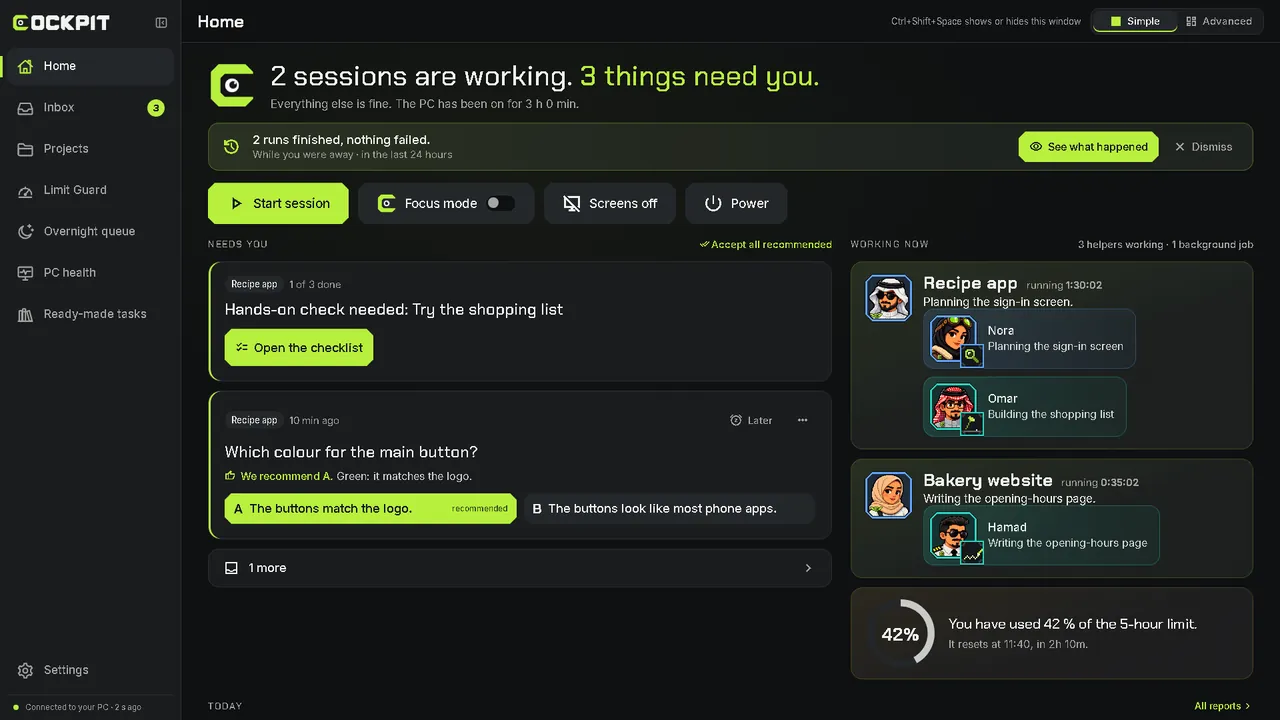
The real Cockpit screens, with demo projects.
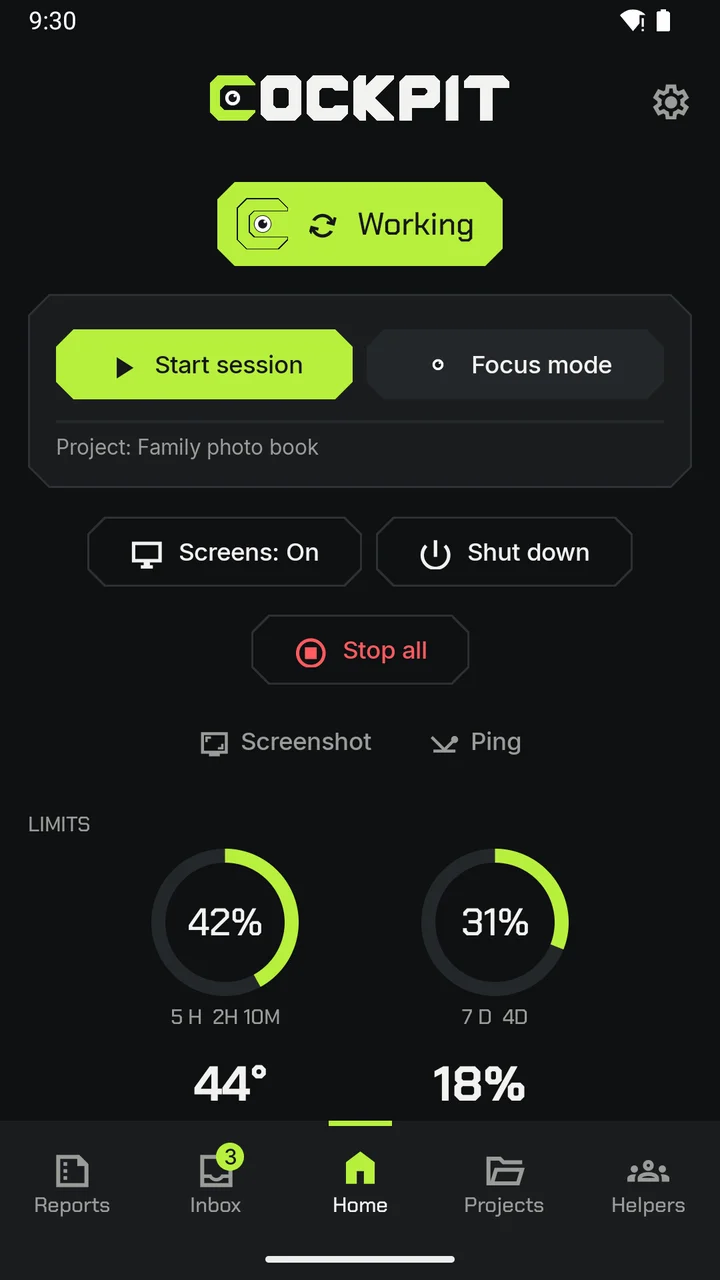
01Home: your PC is working
02A question, the recommended answer marked
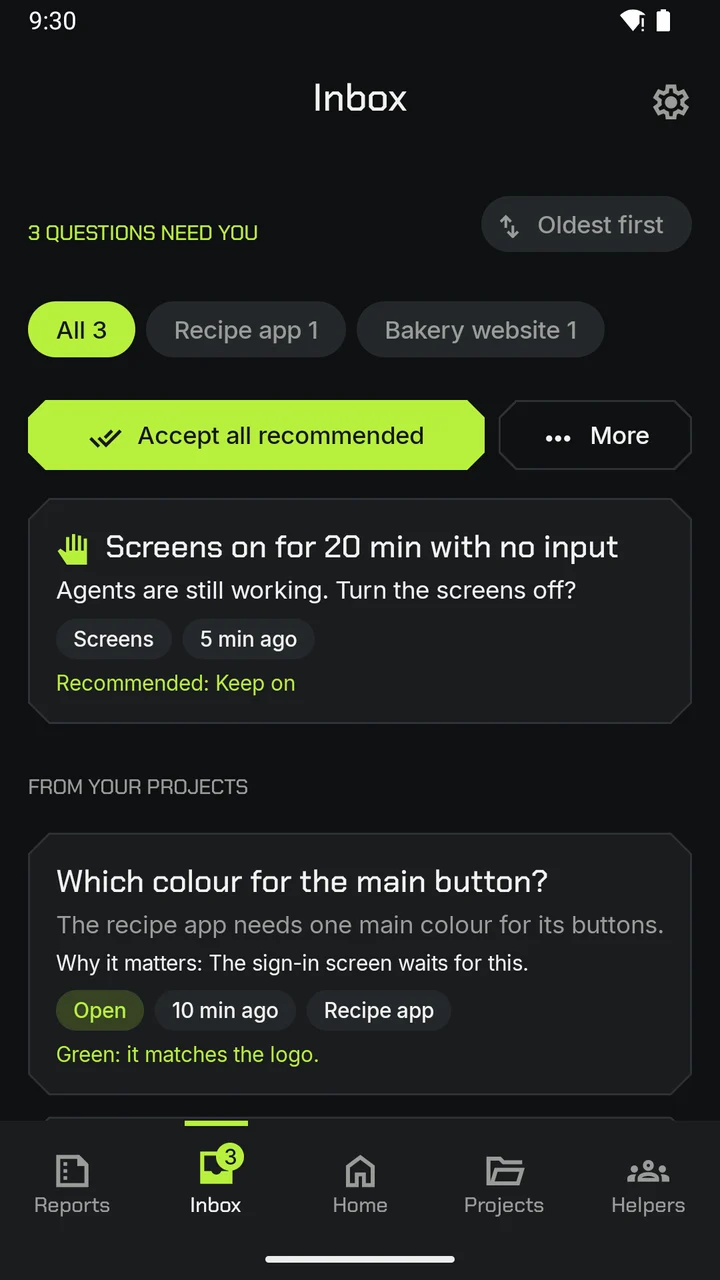
03Inbox: what waits for you
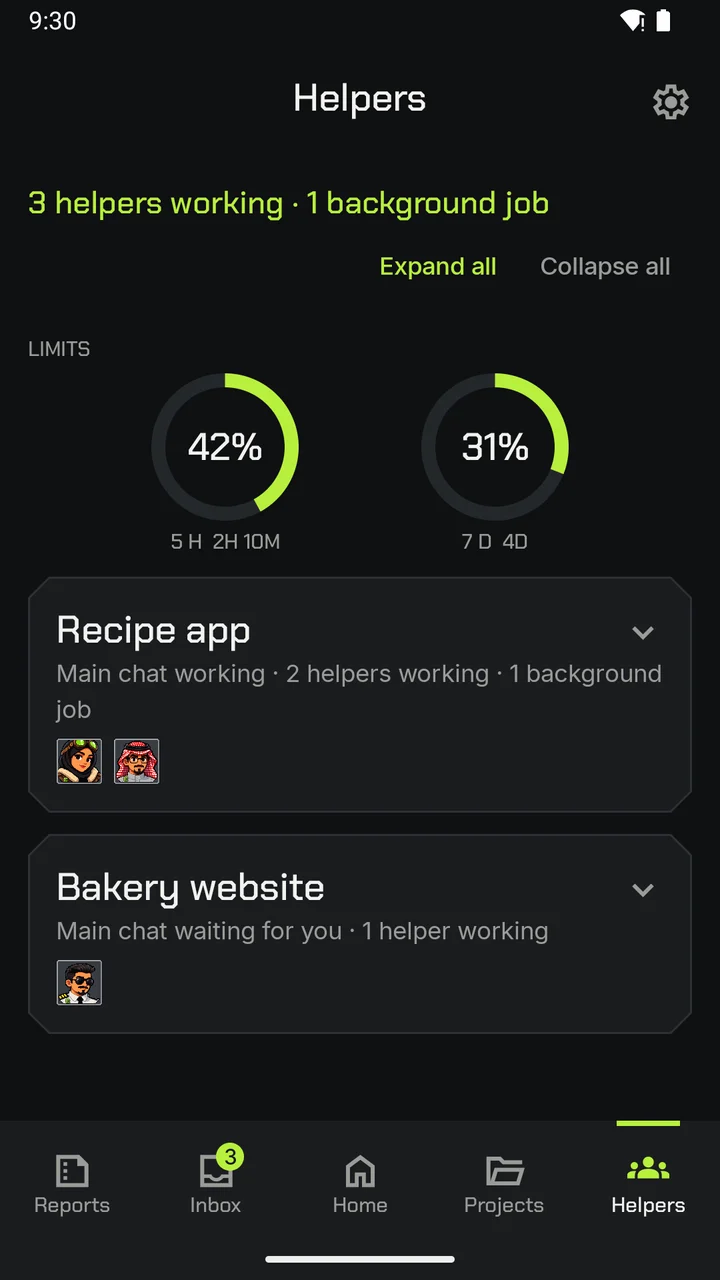
04Helpers, and the two usage rings
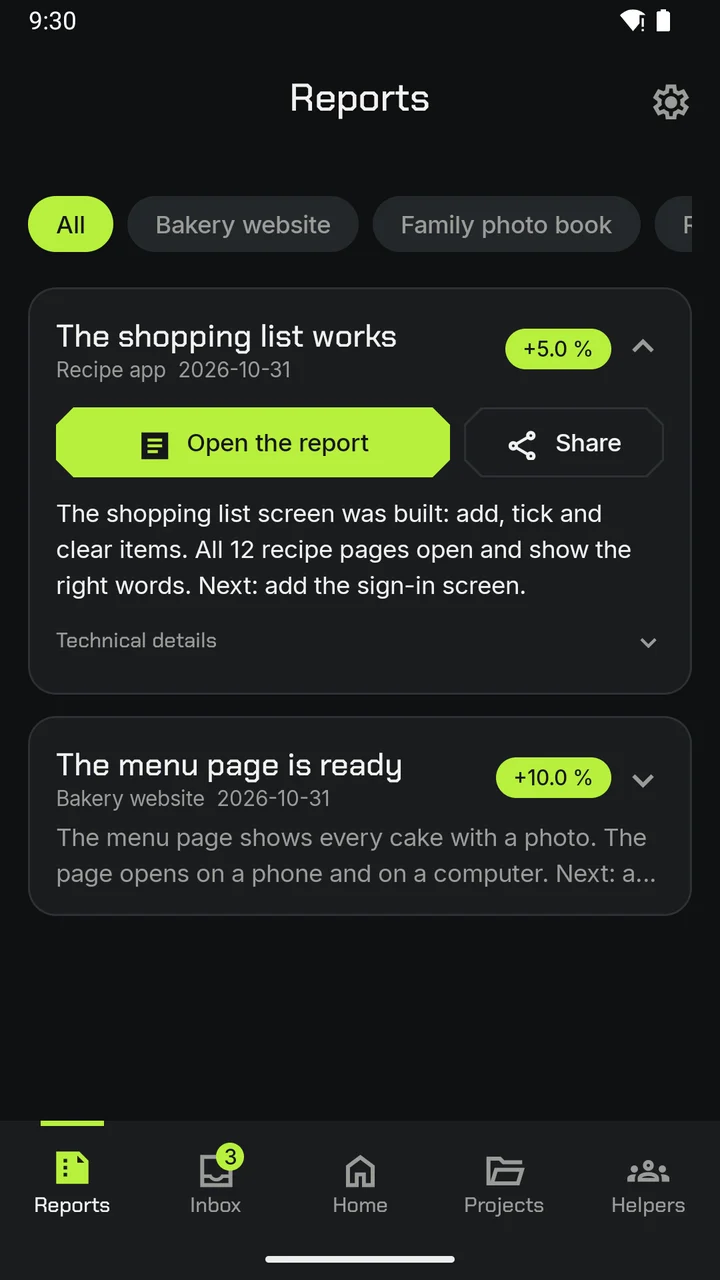
05A report, to open or share
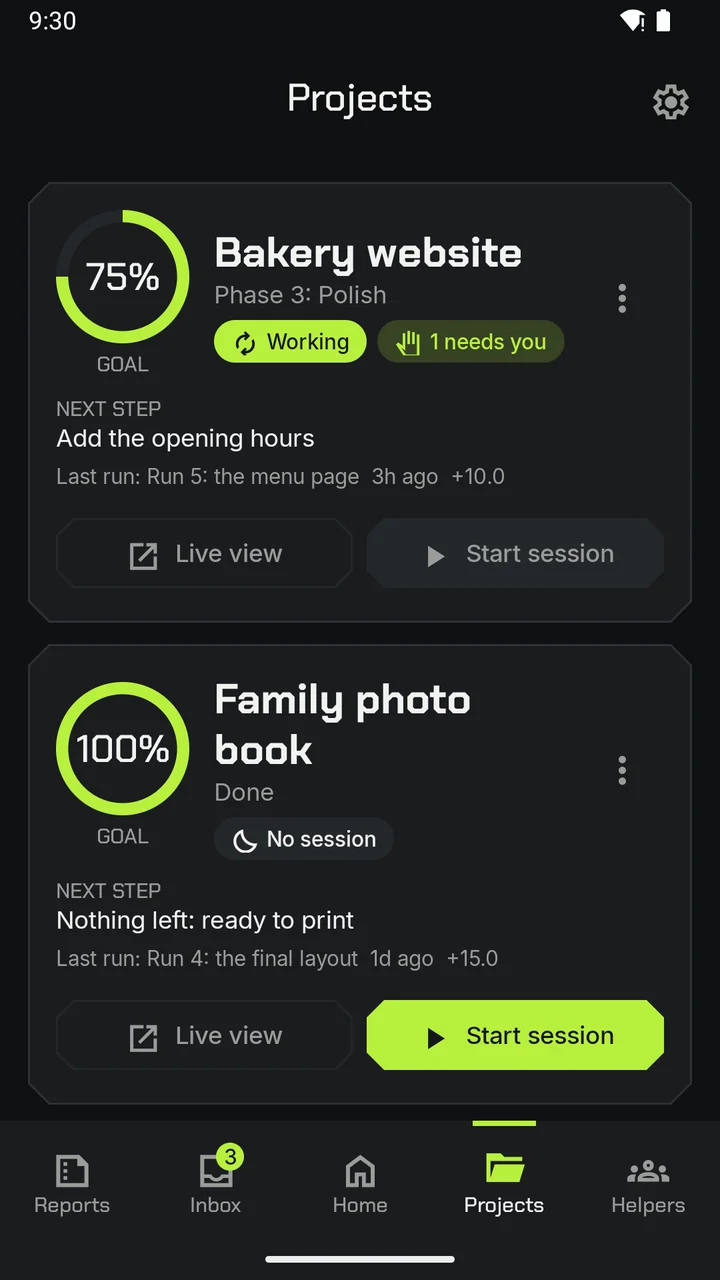
06Your projects, side by side
The app's real screens, with demo projects.
Pricing
SAR 19 to 29 a month (After the test)
This is the planned price. We will set the final price with our testers before anything is charged. The price Google Play shows before you buy is the one that applies.
Coming soon to Google Play. Testers get it first.